You can use your LIFT Wallet to pay for all or part of your booking. It's up to you how much to use:
- Log in to your LIFT Customer Profile before making your booking.
- On the payment page, select Pay with your LIFT Wallet.
- Enter the amount you would like to use in the LIFT Wallet Amount ZAR field, or adjust it using the + and − buttons.
- If there is an amount left to pay, select another available payment method to pay the remainder.
- Complete your payment to confirm your booking.
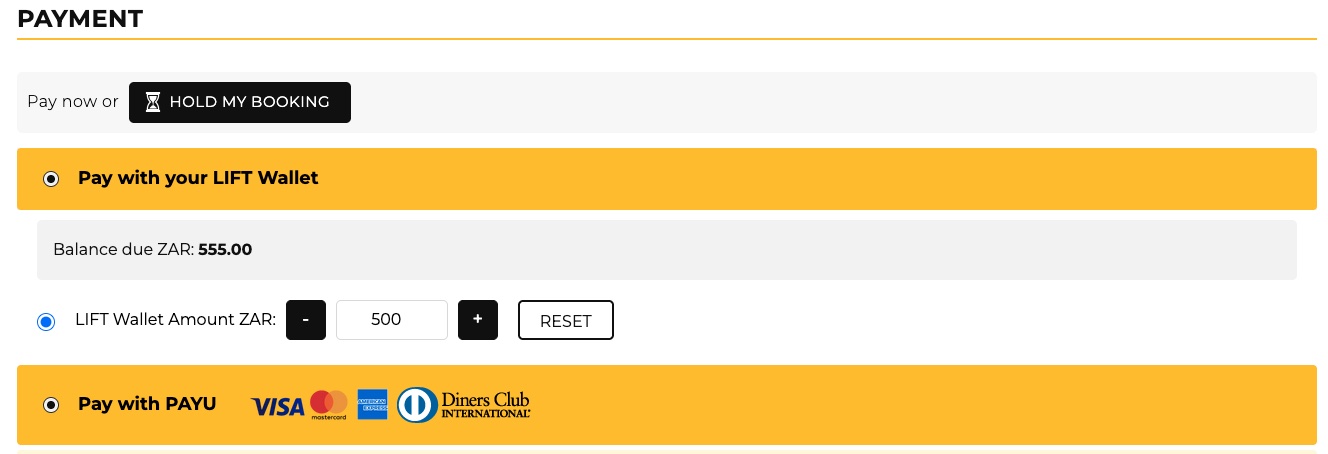
Please note: The amount you choose cannot exceed your available LIFT Wallet balance or the total amount due. Any unused funds will remain in your LIFT Wallet, subject to LIFT Wallet T&C’s.